How to Spot a Phishing Email: Red Flags You Shouldn’t Ignore
Cybercriminals are constantly evolving their tactics, and phishing emails remain one of the biggest threats to businesses and individuals. A phishing email is designed to trick recipients into revealing sensitive information, such as passwords, credit card details, or company data. Falling for these scams can lead to financial loss, identity theft, or even a security breach in your organization. Recognizing the warning signs of a phishing email can help you stay protected.
What Is a Phishing Email?
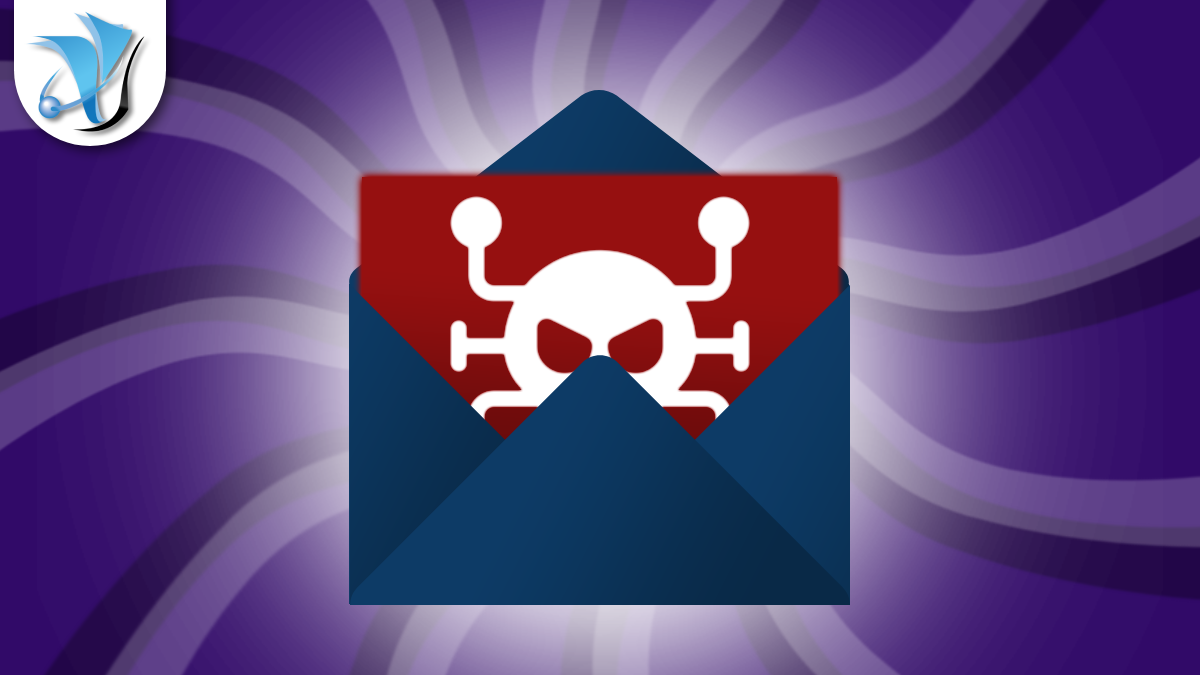
A phishing email is a deceptive message that appears to come from a legitimate source, such as a bank, government agency, or well-known company. The sender’s goal is to manipulate you into clicking on a malicious link, downloading an attachment, or providing confidential information. These emails often use urgency, fear, or enticing offers to lure victims into taking action.
Red Flags That Indicate a Phishing Email
1. Suspicious Sender Address
A common trait of a phishing email is a forged or misleading sender address. Cybercriminals use addresses that resemble legitimate ones but often contain subtle misspellings or unusual domains. For example, instead of support@paypal.com, a scammer might use support@paypa1.com.over over the sender’s email address to verify its authenticity.
2. Generic Greetings and Unusual Language
Legitimate companies usually address you by your name. A phishing email often uses generic greetings such as “Dear Customer” or “Dear User.” In addition, these emails may contain poor grammar, awkward phrasing, or misspelled words. Since reputable companies proofread their messages, such errors are a red flag.
3. Urgent or Threatening Language
Scammers often create a sense of urgency to pressure recipients into acting quickly.
- “Your account has been compromised! Act now to secure it.”
- “Failure to update your details will result in account suspension.”
If an email demands immediate action, take a step back and verify its legitimacy before responding.
4. Suspicious Links and Attachments
Phishing emails frequently contain links that lead to fake websites. These sites mimic legitimate ones and request sensitive information. Always hover over a link before clicking to see where it actually leads. If the URL looks suspicious or does not match the sender’s official domain, avoid it. Additionally, never download unexpected attachments, as they may contain malware.
5. Requests for Personal or Financial Information
A legitimate company will never ask for sensitive details via email. If you receive a message requesting login credentials, banking information, or other confidential information, it is likely a phishing attempt. Instead of clicking any links, contact the company directly through their official website or customer service number.
6. Too Good to Be True Offers
Scammers use enticing offers to lure victims. If you receive an email claiming you’ve won a lottery, received an unexpected refund, or are eligible for a high-paying job with little effort, proceed with caution. If something seems too good to be true, it probably is.
7. Inconsistencies in Email Formatting and Branding
Legitimate businesses maintain consistent branding in their emails. If you notice unusual fonts, incorrect logos, or inconsistent colours, the email might be fraudulent. Compare it to previous legitimate emails from the same company.
8. Unusual Email Signature
Reputable organisations include proper signatures with contact details. A phishing email may have an incomplete, vague, or missing signature. If the sender’s name lacks an official title or contact information, be cautious.
How to Protect Yourself from Phishing Emails
Verify Email Authenticity
Before responding to an email, verify the sender’s identity by checking their official contact information on the company’s website. Avoid clicking on any links or downloading attachments unless you are certain they are safe.
Enable Multi-Factor Authentication (MFA)
Multi-factor authentication adds an extra layer of security by requiring a secondary verification method, such as a code sent to your phone. Even if scammers obtain your login credentials, they will not be able to access your account without the second factor.
Educate Your Team
://systemforce.co.uk/cybersecurity-tips-for-uk-smes-2025/” target=”_blank” rel=”noopener”>Businesses should conduct regular cybersecurity training to help employees recognise and report phishing attempts. Awareness is key to preventing security breaches.
Use Advanced Email Security Solutions
SystemForce IT offers comprehensive cybersecurity solutions, including email filtering, anti-phishing software, and real-time threat detection. Investing in these tools helps prevent phishing attacks from reaching your inbox.
Report Suspicious Emails
If you receive a phishing email, report it to your IT department, email provider, or cybersecurity team. This helps prevent further attacks and protects others from falling victim.
What to Do If You Fall for a Phishing Email
Change Your Passwords: Update your login credentials for any affected accounts. If you suspect that you’ve interacted with a phishing email, immediately change the passwords for any accounts that might have been compromised. Use strong, unique passwords that include a mix of uppercase and lowercase letters, numbers, and symbols.
Enable MFA: If you have not already done so, activate multi-factor authentication. MFA adds an additional verification step that can prevent attackers from accessing your accounts even if they obtain your password.
Scan Your Device for Malware: Run a full system scan to check for malicious software. Cybercriminals often use phishing emails to distribute malware that can steal data or damage systems.
Notify Your IT Department: If you are part of an organisation, report the incident immediately. Quick action can help contain threats and prevent further compromise.
Monitor Your Accounts: Keep an eye on bank statements, credit card transactions, and online accounts for any unauthorised activity. Report suspicious transactions immediately.
Stay Protected with SystemForce IT
Phishing attacks are becoming more sophisticated, making it essential to stay vigilant. By understanding the warning signs of a phishing email, you can protect yourself and your business from cyber threats.
SystemForce IT specialises in cybersecurity solutions that safeguard businesses from phishing scams, malware, and other online threats. Our expert team provides cutting-edge email security, staff training, and proactive monitoring to help keep your organisation safe.
Don’t wait for an attack to happen. Contact SystemForce IT today and strengthen your email security.
Related resources
Spam vs. Phishing: Understanding the Difference and Staying Safe
AI Scams: Deepfakes, Voice Clones and Smarter Phishing
Stay one step ahead of the threats
Get our free weekly IT and cyber security briefing for UK businesses. The same threat and policy round-up we send our own clients, straight to your inbox. No spam, unsubscribe any time.
Get the free weekly briefing →