
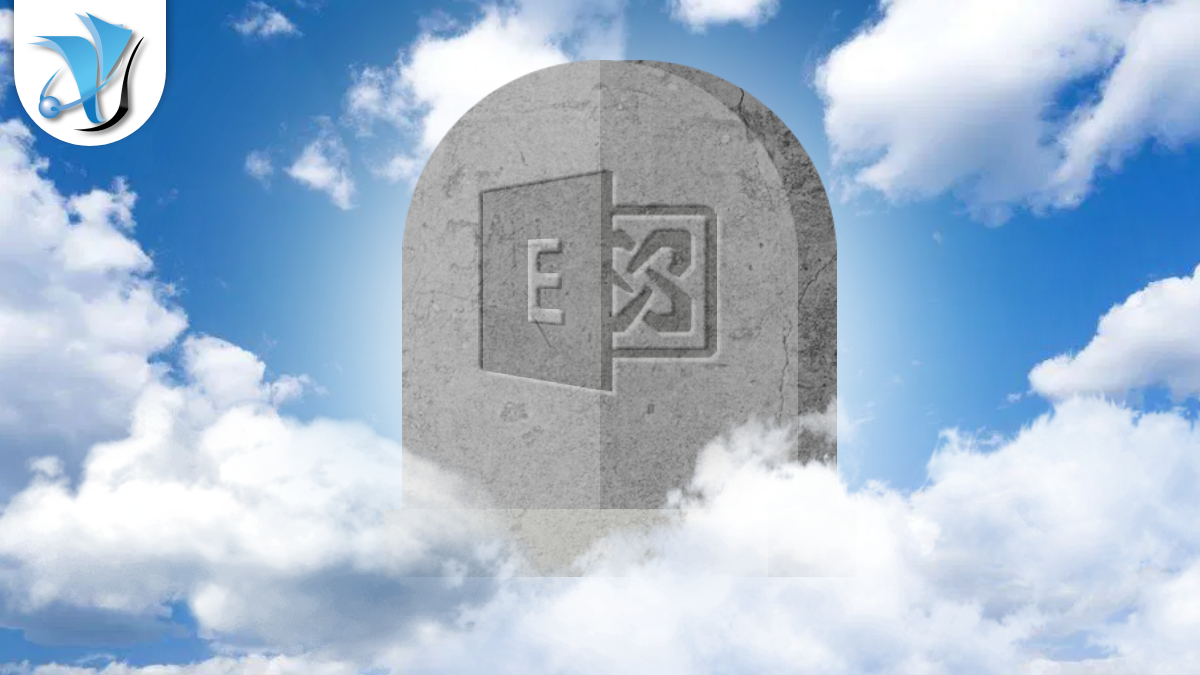
Exchange 2016 and 2019: No More Patches After October
Millions of UK businesses still rely on Microsoft Exchange Server to run their email. If your organisation runs Exchange Server 2016 or 2019 on its own premises, October 2026 is a deadline you cannot afford to miss. It is roughly twelve weeks away, and this time there is no extension coming.
What is ending and why it matters
Microsoft Exchange Server is the software that powers on-premises business email. It manages inboxes, calendars, shared mailboxes, and contacts on servers your organisation owns and operates, rather than in the cloud.
Microsoft officially ended mainstream support for Exchange Server 2016 and 2019 in October 2025. Mainstream support covers new features, general bug fixes, and most regular updates. Once it ends, Microsoft moves a product to a more limited “extended support” phase.
To give businesses extra time to plan a migration, Microsoft then offered Extended Security Updates (ESUs) for both versions. ESUs are a paid programme that keeps critical security patches coming for a defined period after mainstream support has stopped. Think of them as a bridge rather than a permanent solution.
The ESU bridge for Exchange 2016 and 2019 runs out in October 2026. Microsoft has confirmed it will not offer a third ESU period. After that deadline, Exchange Server 2016 and 2019 will receive no further security patches from Microsoft. That is a permanent end, not a pause.
Who is affected
Your organisation is affected if it runs either of the following:
- Microsoft Exchange Server 2016 (any version)
- Microsoft Exchange Server 2019 (any version, with or without current ESU patches applied)
If you are not sure whether your email runs on-premises Exchange or in the cloud, the quickest check is to ask your IT support provider. If your team manages its own server room and your email provider has never spoken to you about migrating to Microsoft 365, there is a reasonable chance you are still on local Exchange.
Why this deadline is serious
Email is one of the most sensitive systems in any business. Inboxes contain financial information, customer data, contracts, and confidential conversations. An unpatched email server is an attractive target for attackers.
Once a product leaves support, newly discovered security flaws are not patched. Attackers actively look for systems in this position, because they know a fix will never arrive. The longer an unpatched Exchange server stays online, the greater the risk of a data breach, ransomware infection, or email compromise. Regulators, including the ICO, may also view running unsupported software as a failure of reasonable technical measures under UK data protection law.
Unlike some previous Microsoft end-of-support dates where extended programmes have been quietly renewed, Microsoft has been explicit that October 2026 is final for Exchange 2016 and 2019. There is no runway left to wait and see.
What are your migration options
Microsoft recommends two paths, and the right one depends on your organisation’s needs:
Option 1: Migrate to Microsoft 365 (Exchange Online)
This moves your email entirely to Microsoft’s cloud. You get continuous security updates, modern spam and phishing protection, and no server to maintain. For most UK SMBs, this is the recommended route. Many Microsoft 365 Business licences already include email, so the incremental cost can be lower than expected. Data stays within Microsoft’s UK and EU data centres, which satisfies most UK data residency requirements.
Option 2: Upgrade to Exchange Server Subscription Edition (SE)
Exchange Server Subscription Edition is Microsoft’s latest on-premises Exchange product, supported through at least 2030. It suits organisations with specific compliance requirements, on-site data preferences, or complex hybrid configurations. It requires new server licences and possibly updated hardware, so the upfront cost is higher than a cloud migration.
Practical steps to take now
Twelve weeks is enough time to complete an email migration comfortably if you start now. It is not enough time if you leave it until September.
- Confirm what you are running. Ask your IT team or provider to identify your Exchange version and current patch level. If you have access to the server, the version is visible in the Exchange Admin Centre under “About”.
- Assess your data. Review how many mailboxes you have, how large they are, and whether you hold any archived mail that needs to come across. This shapes your migration timeline and any licence decisions.
- Choose your path. For most businesses under 200 users, Microsoft 365 is the right destination. Your IT provider should be able to advise on the appropriate licence tier (Business Basic, Business Standard, or Business Premium).
- Plan the cutover. A typical SMB Exchange migration takes four to eight weeks end-to-end, covering DNS changes, mailbox moves, mobile device reconfiguration, and user testing. Build in a parallel-running period so nothing gets lost.
- Do not leave this to auto-renew. ESU licences are separate from your main Microsoft agreements and are unlikely to auto-renew in October. Do not assume you are covered simply because you paid for ESUs previously.
How System Force IT can help
We handle Exchange to Microsoft 365 migrations regularly for businesses across Gloucestershire and the wider UK as part of our managed IT services. Our approach covers mailbox migration, calendar and contacts sync, DNS cutover, mobile device setup, and end-user support, so your team experiences minimal disruption during the changeover.
We can also help you navigate Microsoft 365 licensing to make sure you are on the right plan for your team size and security requirements. Our cloud systems team has handled migrations from Exchange 2010 right through to 2019, and the process is well understood.
If you are not sure whether your email is affected, or you simply want to understand your options without any sales pressure, get in touch with our team for a no-obligation conversation.
Our clients on IT support and maintenance contracts are already being reviewed and prioritised for migration where needed. If you manage your own IT, October 2026 is a deadline worth taking seriously now rather than in September.
Stay one step ahead of the threats
Get our free weekly IT and cyber security briefing for UK businesses. The same threat and policy round-up we send our own clients, straight to your inbox. No spam, unsubscribe any time.
Get the free weekly briefing →Table of Contents
Would you like to know how we can help?
Get in touch


