
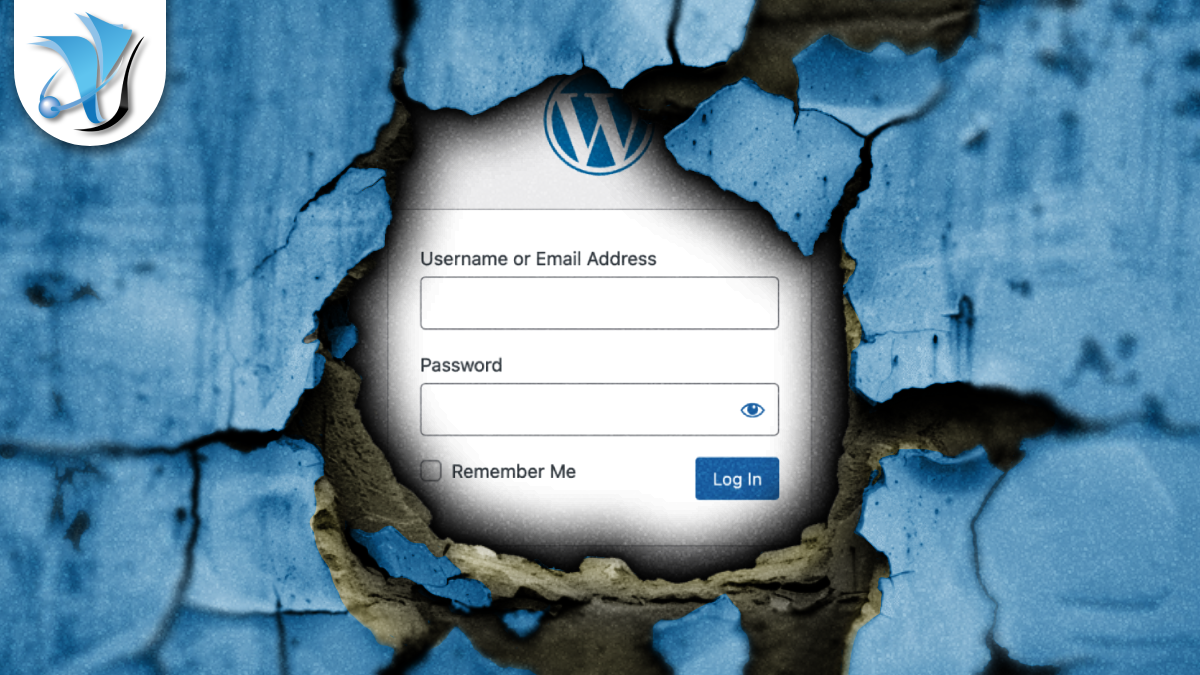
WordPress Login-Screen Flaw: Update to 7.0.3 Now
WordPress 7.0.3, released on 6 August 2026, fixes a high-severity flaw in WordPress Core that lets an unauthenticated attacker inject malicious code into your site’s login page. In the right circumstances, that same flaw can be used to take full remote control of your web server.
The vulnerability is tracked as CVE-2026-64638 and nicknamed XSS2Shell by the security researchers who discovered it. It affects WordPress versions 6.4 through 7.0.2. If your site has not been updated, it should be.
What happened?
The flaw sits in the WordPress login screen, the page that appears when someone visits wp-login.php. When a visitor submits a username that does not exist, WordPress builds an error message using a code function called wp_strip_all_tags. Researchers found that this function fails to properly handle certain malicious input, meaning an attacker can craft a special username that injects JavaScript into the error message displayed to everyone who subsequently loads that login page.
JavaScript injected this way can be used to steal login session cookies, redirect visitors to phishing pages, or silently deliver malware to anyone who lands on the page. This type of attack is called cross-site scripting, or XSS, it is one of the most common and damaging vulnerability classes in web software.
What makes XSS2Shell particularly serious is that the attack does not stop there. The researchers demonstrated that if a logged-in administrator can be tricked into visiting a page the attacker controls, something as simple as clicking a crafted link, the injected script can trigger a further sequence of actions that results in PHP code executing on the server itself. In plain terms: an attacker could install malware, plant a persistent backdoor, steal data, or take complete control of the website.
The underlying code has been present since WordPress 4.7, so the security team has backported patches to every branch still receiving updates. There is no confirmed active exploitation as of publication, but the technical details are now public and experience shows that attacks on high-profile WordPress vulnerabilities typically follow within days of researcher disclosure.
Why this matters to your business
WordPress powers more than 43% of every website on the internet, it is the world’s most widely used content management system, which makes it by far the most actively targeted. Even if your site is a simple brochure site without a customer login area, a compromised website can be used to spread malware to your visitors, damage your Google ranking, or be held to ransom by attackers who threaten to delete your content or expose your data.
There is also a data protection dimension. Under the UK GDPR, organisations are required to take appropriate technical and organisational measures to keep personal data secure. If your website collects contact form submissions, newsletter sign-ups, or any customer information at all, failing to patch a known vulnerability in a timely way can leave you exposed to scrutiny from the ICO, the UK’s data protection regulator, in the event of a breach.
What we have already done
If your WordPress website is managed under your agreement with System Force IT, we have already reviewed your installation and applied the 7.0.3 update or the appropriate backported patch. We have also checked plugin and theme versions, since core updates can occasionally surface compatibility issues that need attention. We will be in touch if anything requires your input.
What you should check or do
- Log in to your WordPress dashboard and check the version shown at the bottom of the screen, or go to Dashboard > Updates. If it shows anything below 7.0.3, update immediately.
- Enable automatic background updates for minor and security releases, most hosting control panels have a straightforward toggle to switch this on, and it is one of the simplest protections you can put in place.
- If you manage multiple WordPress sites, treat every one of them as a priority. The flaw sits in core code that ships with every installation.
- Do not overlook staging and development environments. Test sites are often left unpatched and can be used as a stepping stone into live systems.
We manage and host WordPress sites for a number of our clients and take security updates seriously across all of them. If you would like to bring an unmanaged site under a proper maintenance and monitoring arrangement, that is something our managed IT support service covers.
For a broader review of your website security, including vulnerability scanning, access controls, and web application firewall settings, our IT security team is available to help. It is always better to understand your exposure before an attacker does. If you are also thinking about how to demonstrate your security posture formally to clients and insurers, Cyber Essentials certification tests whether your organisation’s five most common attack surfaces, including software patching are properly controlled.
If you would like help with any of this, get in touch or call 01452 701355 for a no-obligation chat.
Stay one step ahead of the threats
Get our free weekly IT and cyber security briefing for UK businesses. The same threat and policy round-up we send our own clients, straight to your inbox. No spam, unsubscribe any time.
Get the free weekly briefing →Table of Contents
Would you like to know how we can help?
Get in touch


