
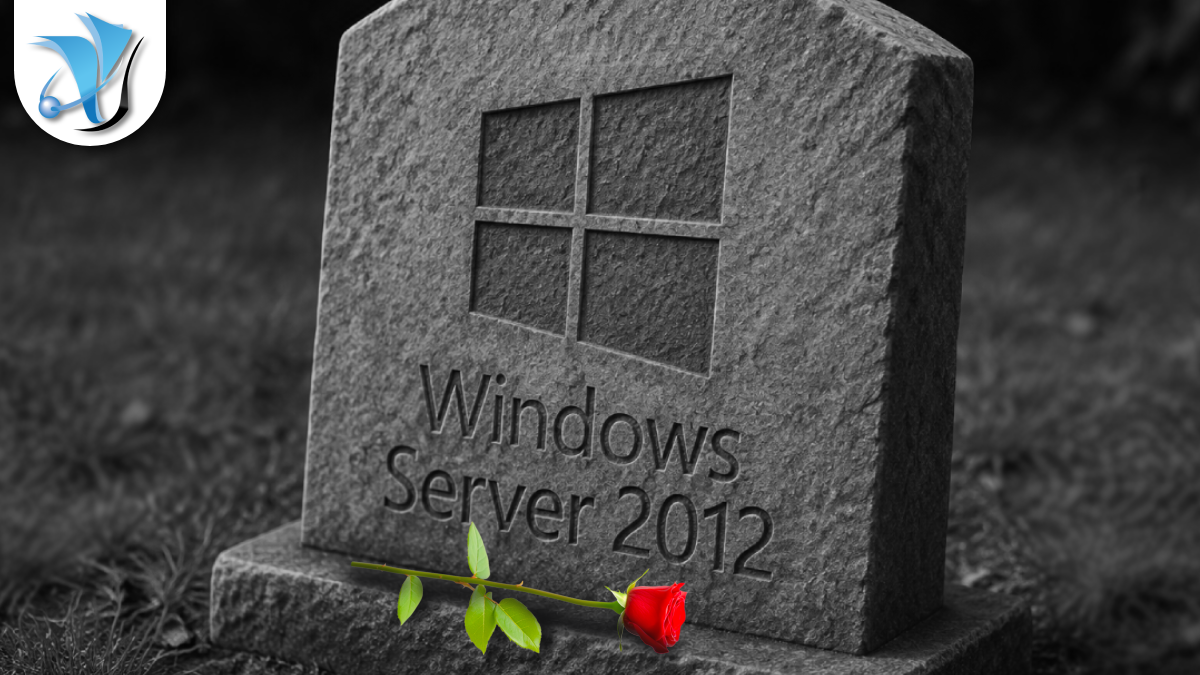
Windows Server 2012 Support Ends in October
The final countdown for Windows Server 2012 and 2012 R2
If your business is still running Windows Server 2012 or Windows Server 2012 R2 on-premises, a firm and immovable deadline is approaching: 13 October 2026. After that date, Microsoft will issue no further security updates for either version – not for critical vulnerabilities, not for anything. No exceptions, and no further extensions.
To understand why this matters, a brief history helps. Windows Server 2012 and 2012 R2 originally entered mainstream support in 2012 and 2013. Extended support – which covers security patches only, without new features – ended on 10 October 2023. Rather than leave businesses stranded overnight, Microsoft offered an Extended Security Updates (ESU) programme: a paid, three-year lifeline of critical security patches for on-premises servers. Year 3 of that ESU programme ends on 13 October 2026. There is no Year 4. There is no further extension on offer.
After 13 October, these servers will continue to boot and run – but every new security vulnerability discovered in the underlying operating system will be a permanent, unfixed hole. Microsoft will not patch it. There is no mechanism left to do so.
Why this matters to your business
Unpatched servers are not merely a compliance concern – they are a target. Attackers actively seek out machines running end-of-life software because they know that new vulnerabilities discovered after the support deadline will never be fixed. File servers, domain controllers, email infrastructure, line-of-business application servers – if any of these are running Server 2012 or 2012 R2, the risk picture changes fundamentally on 14 October.
From a compliance perspective, the UK government’s Cyber Essentials scheme – the baseline cyber security standard that many contracts, particularly public sector ones, now require – expects that all devices run supported software with security patches applied. Running end-of-life servers puts your Cyber Essentials certification, and potentially your professional indemnity position, at risk. You can find out more about Cyber Essentials on our website.
There is also a practical point that often catches businesses out: many organisations have forgotten about secondary or legacy servers. A quiet file server in a back room, a server running a single application that nobody has touched in years, an old domain controller that never got decommissioned. Now is the time to find them.
What your options are
There are three main paths forward, and the right one depends on what workloads your affected servers are running.
1. Upgrade on-premises to Windows Server 2022 or 2025
You can upgrade directly from Windows Server 2012 R2 to Windows Server 2025, which has mainstream support through to 2034. This is the most straightforward option for businesses that need to keep infrastructure on-premises. Microsoft’s in-place upgrade path from 2012 R2 to 2025 is supported, though for critical servers most businesses prefer a fresh installation alongside migration of workloads. Windows Server 2022 is also an option and receives security updates until October 2031.
2. Migrate to Azure
Servers migrated to Azure virtual machines receive Extended Security Updates at no additional cost. This means organisations that are not ready for a full upgrade could gain more breathing room at no extra licence expense, while planning a longer-term modernisation. Microsoft’s Azure Migrate tool provides free discovery and assessment of your on-premises estate – it can identify which servers are candidates and estimate the cost of running them in Azure.
3. Move workloads to Microsoft 365 or cloud services
For many Server 2012 machines, the workloads they carry – file storage, email, collaboration, simple databases – can be moved entirely to cloud services. Microsoft 365 includes SharePoint Online for document management, Exchange Online for email, and Teams for collaboration. Moving workloads to managed cloud platforms eliminates the hardware, operating system, and lifecycle management burden entirely. Our cloud systems service covers exactly this kind of migration.
What to do before 13 October 2026
Start with an audit. The first step is knowing exactly which servers in your environment are running Server 2012 or 2012 R2. It is surprisingly common to find machines that have been quietly running for years without anyone keeping track. A quick scan of your Active Directory or network inventory tool will surface them.
Assess each workload. Once you know what you have, work out what each server does. Some workloads are straightforward to lift and shift; others may need application compatibility testing before upgrading the underlying OS. Starting this assessment now gives you time to handle the tricky cases without rushing.
Plan and migrate in good time. Three months sounds like plenty of time. In practice, server migrations involve procurement, testing, stakeholder sign-off, and cutover windows. For anything business-critical, allow more time than you think you need.
Do not rely on the server continuing to work. Some businesses treat end-of-life dates as theoretical. In this case, the risk is concrete: the next serious Windows vulnerability discovered after October 13 will be exploitable on your server indefinitely.
How System Force IT can help
We can carry out a full audit of your server estate, identify every machine approaching or past end of support, and handle the migration from start to finish – whether that means an on-premises upgrade to Windows Server 2025 or moving workloads to Microsoft 365 and the cloud.
If you are on our IT support and maintenance contract, get in touch now and we will check your estate straight away. If you manage your own IT and would like an expert second opinion on your exposure, contact us for a free initial conversation. Our managed IT support service includes proactive lifecycle management so your business never gets caught running on unsupported infrastructure.
13 October 2026 is a firm deadline. The earlier you start, the more options you have.
Stay one step ahead of the threats
Get our free weekly IT and cyber security briefing for UK businesses. The same threat and policy round-up we send our own clients, straight to your inbox. No spam, unsubscribe any time.
Get the free weekly briefing →Table of Contents
Would you like to know how we can help?
Get in touch


